Essential Guide to rm1.to Login for 2026: Secure Your Access
Understanding the rm1.to Login Process
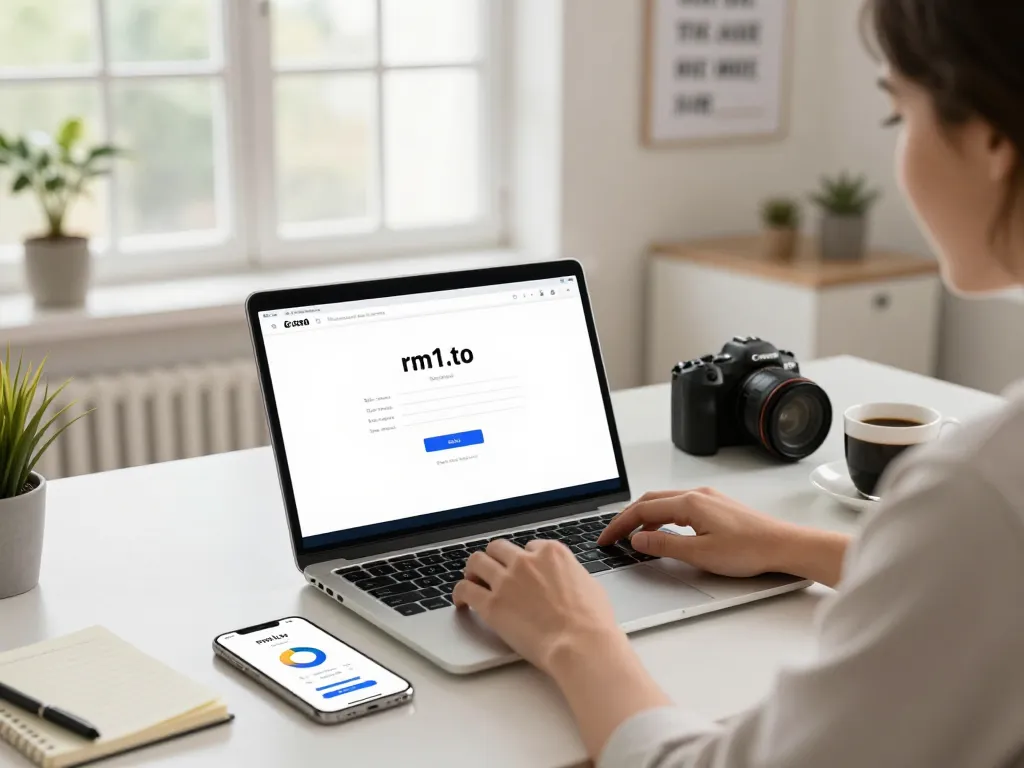
The rm1.to login page serves as a vital gateway for users of RussianMarket, allowing them quick and secure access to their accounts. Whether you are managing personal data or conducting business transactions, having a seamless login experience is crucial. This article will guide you through the entire login process, addressing potential issues and enhancing your security while navigating the platform. When exploring options, rm1.to login provides comprehensive insights into user access management.
What is rm1.to and its Purpose?
rm1.to is the designated login portal for users of RussianMarket, where individuals can manage their accounts, view transaction histories, and access various services provided by the marketplace. Understanding the platform’s purpose is key to utilizing it effectively. RussianMarket aims to facilitate secure trade and interaction among users, offering tools that enhance communication and transaction efficiency.
Steps to Access the rm1.to Login Page
- Open your web browser and enter the URL https://rm1i.to into the address bar.
- Once the page loads, locate the login fields where you will enter your credentials.
- Input your registered email address and password in the appropriate fields.
- Click the “Login” button to access your account.
If done correctly, you will be redirected to your user dashboard, where you can manage your profile and explore the features available to you.
Common Issues and Solutions During Login
Despite the straightforward process, you might encounter some issues while logging in. Here are a few common problems and their solutions:
- Forgotten Password: If you cannot remember your password, use the “Forgot Password?” link to reset it. You will receive an email with instructions to create a new password.
- Incorrect Credentials: Double-check your email and password for typographical errors. Ensure that Caps Lock is off, as passwords are case-sensitive.
- Account Locked: After multiple failed login attempts, your account may be temporarily locked. Contact support for assistance in regaining access.
Ensuring Security with rm1.to Login
Security should be your top priority when logging into any online platform, including rm1.to. The login page encompasses various protective measures to safeguard your information, but users must also take an active role in maintaining security.
Identifying Authentic rm1.to Login Pages
To ensure that you are on the correct login page for rm1.to, check for the following:
- The URL should always start with https://rm1i.to, indicating a secure connection.
- Look for security badges or symbols that indicate the website is legitimate and safe.
- If prompted, view the website’s SSL certificate to confirm its authenticity.
Best Practices for Creating Strong Passwords
A strong password is the first line of defense against unauthorized access. Consider these best practices when creating your password:
- Use a mix of uppercase and lowercase letters, numbers, and symbols.
- Avoid using easily guessed information such as birthdays, names, or common words.
- Make your password at least 12 characters long.
- Consider using a password manager to keep track of complex passwords securely.
Two-Factor Authentication: Enhancing Security
Enabling two-factor authentication (2FA) provides an extra layer of security by requiring not only your password but also a second form of verification. This could be a text message to your mobile device or an authentication app. Activating 2FA on your account can significantly reduce the risk of unauthorized access.
Troubleshooting Login Issues on rm1.to
Even with proper precautions, users may still face login challenges. It’s essential to know how to troubleshoot these issues effectively.
Common Error Messages and Their Meanings
Some common error messages you might encounter include:
- Invalid Username or Password: This means that the credentials entered do not match the records on file.
- Account Not Verified: If you have recently created your account, check your email for a verification link.
- Too Many Failed Attempts: This message indicates that your account is temporarily locked due to multiple unsuccessful login attempts.
Recovering Your Password Safely
If you forget your password, recovering it involves a few simple but safe steps:
- Click on the “Forgot Password?” link on the login page.
- Enter your registered email address and submit the form.
- Follow the instructions sent to your email to reset your password. This often includes clicking a secure link.
Contacting Support for Login Problems
If you encounter persistent login issues that you cannot resolve yourself, contacting customer support is crucial. Provide them with detailed information about the problem, including error messages and any steps you’ve already taken to resolve the issue.
Maximizing Your Experience After Login
After successfully logging into your rm1.to account, you will want to make the most of the tools and features available to enhance your experience.
Navigating the Dashboard Effectively
The user dashboard is your central hub for managing your activities. Familiarize yourself with the layout:
- Look for quick access links to your recent activities and transactions.
- Utilize the search function to find specific items or services.
- Explore settings to customize notifications and privacy features.
Key Features and Tools Available on rm1.to
Some notable features include:
- Transaction History: View all your recent transactions and their statuses.
- User Profile Management: Update your personal information and preferences.
- Marketplace Features: Access specialized tools for buying and selling items efficiently.
Customizing Your User Profile for Better Engagement
Customizing your profile can enhance your interaction on the platform:
- Upload a profile picture to make your account more personable.
- Fill out your bio with relevant information to connect better with others.
- Set preferences for how you want to receive updates and notifications.
Future Trends in User Authentication
The landscape of user authentication is rapidly evolving, and staying informed about future trends can help you adapt.
Emerging Technologies for Login Security in 2026
In 2026, we are likely to see advancements in biometrics, such as facial recognition and fingerprint scanning, becoming standard for secure login. These technologies aim to reduce reliance on traditional passwords, making access both safer and more user-friendly.
How User Preferences are Shaping Login Processes
As user preferences shift towards convenience, platforms are likely to adopt seamless login techniques, such as single sign-on (SSO) and passwordless options. This change aims to streamline the process, catering to modern users who value efficiency.
Preparing for Changes in Digital Security Standards
With data breaches becoming increasingly common, organizations must prepare for stricter security standards. Users should be proactive in educating themselves on these changes and adapting their security practices accordingly.